

The short version
The studio is where you make your own arcade on Superstake: a page with your name, your look and a game nobody else has.
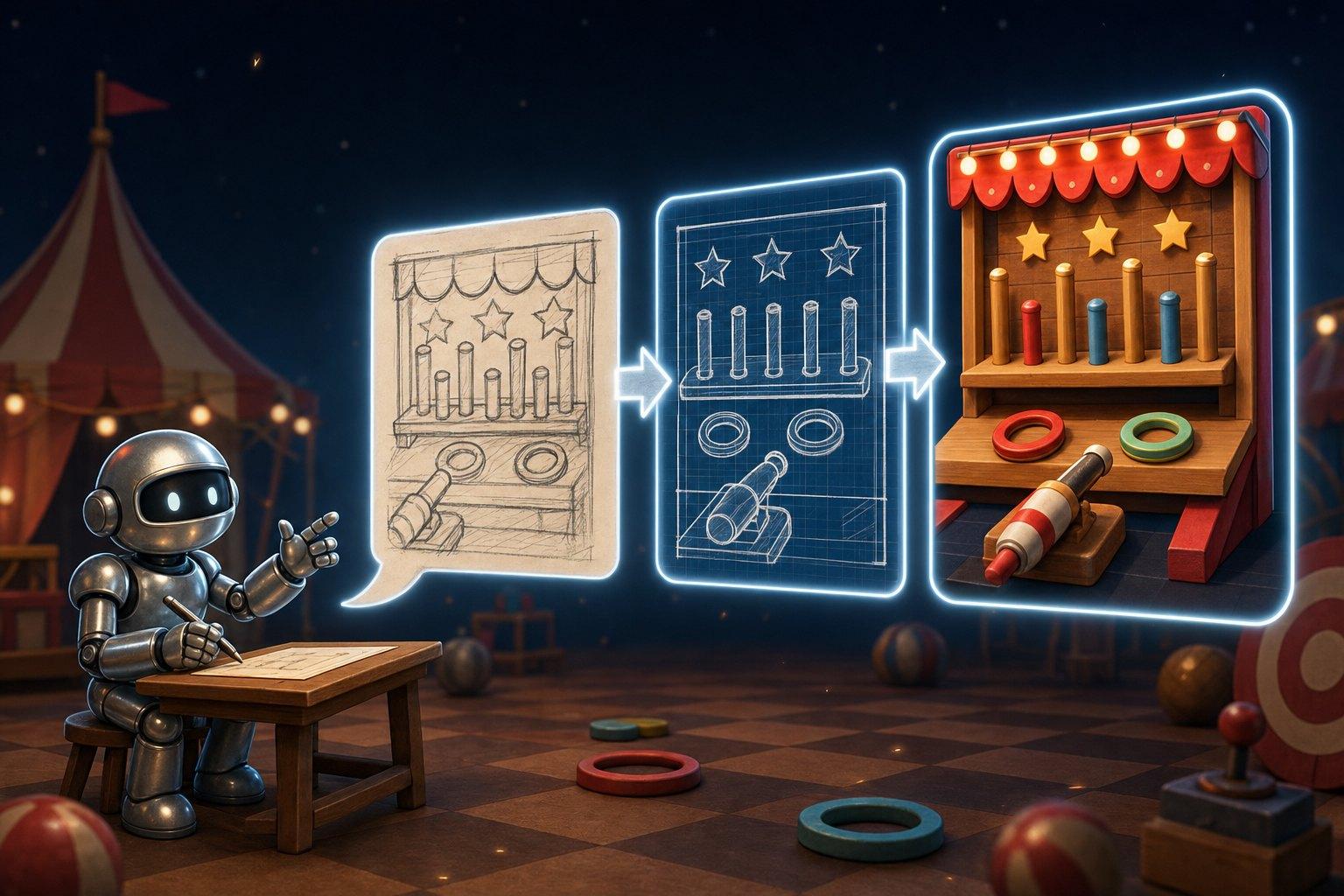
- Tell Staky your idea. Staky is the studio's AI. Describe your game in a sentence or two, and attach art if you have it. That's all you need to start: no name, no link.
- Staky plans it. It asks only what shapes the game, like whether it's 2D or 3D, with a small sample picture of each choice when it's about the look. Then it shows what kind of game it is, how a round plays, how it pays, and pictures of a round from start to finish, like screenshots of the game.
- You approve, and the game is built. A build usually takes 20–30 minutes. You can keep editing or leave, and turn on a notification for when it's done.
- Add a logo. While the game builds, upload your own or have one made from your game.
- Try it, then put it live. Play test rounds for free. When you publish, you pick your game's link and name.
- Change it whenever you like. Ask for a change in plain words and Staky makes a new version, while the old one stays live.
Nothing is built, or charged for building, until you approve the plan.
What you need
- An account. Log in on SuperEngine. It's how we know the game is yours, and where your share of its profit is paid.
- Credit. Drawings and builds are paid from your credit balance. See SuperStake Credit for how to top up.
- An idea. A sentence is enough. A picture, a character or a brand website helps.
What you can make
Three kinds of game
Every game made in the studio plays one of three ways. Staky picks the one that fits your idea, and you can ask for another.
Pick a path. At every step the player picks one option, and some options lose. Each safe step multiplies the win, and the player can cash out after any of them. Example: a corridor of doors, one in four hides a ghost.
Instant prize. One play, and how it lands sets the prize, from a table of prizes that runs from small and common to rare and large. Nothing the player does steers it. Example: a slot machine: one spin, and the symbols that land pick the prize.
Push your luck. The player keeps drawing, and each draw multiplies everything won so far. A draw can grow the total or shrink it, and one draw ends the round with nothing. The player can stop after any draw and take the total. Example: a potion where each ingredient makes the brew stronger or weaker, and one makes it explode.
Not sure which fits?
- The player chooses between things (doors, cards, tiles, paths): Pick a path.
- The player makes one play and sees what it lands on (a spin, a drop, a throw): Instant prize.
- The player keeps adding to a total that can grow or shrink: Push your luck.
Quick or immersive
Each game also has a style of play:
- Quick: one tap, and the result shows a second or two later. Made to be played many times in a row.
- Immersive: the player is in a world. They move, aim or steer, and each result plays out as a scene.
Letting players choose
A game can let players pick before each round, right next to their bet:
- A board, for a Pick a path game: how many mines are hidden, or an easy run and a hard one. More danger, bigger multipliers.
- How many draws, for an Instant prize game: one spin or five, a single arrow or a volley.
Just ask Staky: "let players choose between 1, 3 and 5 mines".
From idea to live game
1. Describe it
Start on SuperEngine: write what the player does and how it should look, attach any pictures, and press Start. You land in a chat with Staky, with your page beside it. Your game gets a temporary link until you publish it, so there's nothing to choose yet.
Staky starts with the game. It names it from your idea, writes the description, and asks only what changes the game itself, such as whether it should be 2D or 3D. Your logo and tiles come later, so nothing is drawn before you've seen the plan.
You can keep typing while Staky works. A message or a button you press meanwhile waits in line, marked Queued, and runs as soon as Staky finishes. Changed your mind? Press Cancel on it before it runs.
2. Approve the plan
Staky turns your idea into a plan and draws a picture of the finished game. The plan shows:
- What kind of game it is, Pick a path, Instant prize or Push your luck, and quick or immersive.
- Three lines: what the player does, how they win, and what loses the round.
- How it pays: a worked example with a small bet, then the full table of outcomes and their chances.
If it's right, press Build this game. If not, press Change it and say what to change: "darker", "four doors instead of three". Staky redraws the plan, and nothing is built until you say so.
The build costs the same whether the game is 2D or 3D.
3. The build
Once you approve, the game is built for you. It usually takes 20–30 minutes, and you can watch it go through four steps:
| Step | What happens |
|---|---|
| Moderating | Your idea and plan get a quick content review. |
| Writing and checking | Written, checked and fixed. The longest step. |
| Publishing | The finished game is added to your page. |
| Illustrating | The picture for the game's card is drawn. |
A build log under the steps shows what's being worked on, with a timer. A few things to know:
- You can leave. The build carries on without you, and Staky tells you in the chat when it's done. The first time you build, you're asked whether to get a notification when it's ready, even if the page is closed. You can also press Notify me on the build. On an iPhone or iPad, notifications work once you've added the site to your home screen.
- Make your logo meanwhile. Your page needs one before it can go live. Upload your own, or press Make it with Staky to have it drawn from your game. One logo fills your dark-mode and showcase logos too, and you can replace any of them on its own.
- You can stop it with Stop at any point before Publishing. A stopped build is refunded. From Publishing on, the game is already yours, so the build finishes.
- You can keep asking for changes. A change you ask for during the build is saved, and you can start it once the game is ready.
- One build at a time. You can't start another game until this one finishes.
4. Try it and put it live
When the build is done, your game shows as Live v1 in the studio. Press Test play to play rounds for free, with nothing charged.
Under it, two switches:
- On your page: whether players can find and play it.
- Opens first: whether your page starts on this game.
Then:
- On a draft page, nobody sees anything yet. Press Publish, then pick your game's link and check its name and logo, all in the same window. Your page gets a quick automatic content review, then goes live at the link you picked.
- On a page that's already live, the new game is there for players as soon as it's built. Edits to the rest of the page go out when you press Save and update players.
5. Change it later
Want something different? Press Revise on your game, or just ask Staky in the chat: "make the background night-time", "slow down the reveal", "add a fourth door".
- A small change takes about 5–10 minutes, and a large one can take 20. It goes through the same steps without the new card picture.
- The old version stays live until the new one is ready, so players never see a half-made game.
- Every change makes a new version. A game can have up to 50 versions.
- Versions, in the game's menu, keeps every one, and going back to an earlier one with Restore is instant.
Wrote a game yourself? Ask us about uploading it as one HTML file instead.
Ready-made games and tiles
Your page can also carry the platform's ready-made games. Some of them are drawn with your own three tiles: a neutral one, a win and a lose. Switch one of those on before you have tiles, and the studio asks for them: press Make them with AI to have Staky draw the ones you're missing, one after another, or Upload tiles to add your own. Edit them any time under Tiles.
What it costs
Talking to Staky is free. You pay for drawings and builds, from your credit balance.
| What you do | Cost |
|---|---|
Chat, plan the game, describe it, set colours, sample pictures on Staky's questions | Free |
Draw the preview (up to four pictures of a round), logo or tiles | A price per drawing |
| Build the game, 2D or 3D | A price per build |
| Change a live game | A price per change |
| Test play | Free |
Every paid button shows its price before you press it, from a build to Make it with Staky on a logo. A drawing Staky makes while you chat shows what it cost on its line in the chat, and your balance is always in the studio. Prices can change, which is why they aren't repeated here. Something waiting in the queue is charged only when it runs, and nothing at all if you cancel it first.
- Short on credit? The button becomes Add credit to continue and shows how much you're short.
- You only pay for a game you get. If a build fails, or you stop it, and no game came out of it, it's refunded in full, automatically.
- Drawings work the same way. One that fails, or that you stop before it starts, is refunded.
Fairness and payouts
Every game made in the studio is provably fair. The platform decides each result from a secret it commits to before the round starts. A game cannot place a bet, set an amount or decide a result. It can only send the player's moves, such as a pick, a draw or, in some round types, settling or banking, and the platform checks each one. What the player does still decides what they take home, like which path they pick and when they cash out.
The stake, the odds, the outcome and the payout stay with the platform, so what is paid follows its result, whatever a game displays. When a round ends its secret is revealed, and the verify page lets you check it: see How verification works.
Once your page is live, you earn a share of your game's weekly net revenue, paid as credit. See Earning for how it's worked out.
Tips for a good game
- Say what the player does. "Dig up tiles, avoid the bombs" tells Staky far more than "a fun game".
- Name a game it's like. "Like a slot machine", "like crossing a road".
- Say the mood. Spooky, cute, neon, retro, calm, chaotic.
- Attach pictures. A logo, a character, a screenshot. Staky uses them for the look.
- Read the plan before you build. Changing a plan costs far less than changing a built game.
- Ask for one change at a time. "Slower doors" lands better than a list of ten things.
- Use plain words. You don't need any technical terms. Say what you'd like to see different.
When something goes wrong
The build failed. The game card says why, and the build is refunded. Your plan, or the change you asked for, is kept, so you can:
- press Retry to build it again. It's charged like a new build or change, since the failed one was already refunded,
- press Change it to adjust the plan first,
- or press Discard to drop it and start over from a new plan. On a game that's already live, the live version stays.
The content review said no. Something in your idea or plan wasn't allowed. Nothing was built and the build is refunded. Change the wording and try again.
It's taking longer than usual. After 30 minutes (10 for a change) the timer says taking longer than usual. It's still working, so give it time. If it fails, it's refunded.
"You already have a game being generated. Wait for it to finish." Only one build runs at a time, for you and for each page. Wait for the current one to finish, or stop it.
Staky stopped answering. Send your message again. A drawing that didn't get done is refunded.
The game doesn't play the way you wanted. Test play it, then ask for exactly what's different: "make the doors open faster", "a clearer win screen". If you'd rather go back, open Versions and press Restore on an earlier one.
Still stuck? Ask Staky in the chat what happened.